Do You Have to Remove Your Laptop from Your Bag at TSA?
Quick Answer
At standard TSA checkpoints, yes — laptops and large tablets must be removed from your bag and placed in a separate bin. TSA PreCheck members can leave them in their bags.
Answer Snapshot
What matters before you fly
This page is structured for fast scanning, direct answers, and source-first verification.
Updated
Mar 19, 2026
Read Time
3 min read
Topic
First Time Flyers
Need To Know
- Laptops of any size (MacBook, Windows laptop, Chromebook, etc.)
- Tablets — iPad-sized and larger (generally, devices larger than a standard book)
Best Next Step
Offers Worth Comparing Before You Book
Clear commercial options, direct next-step links, and stronger recommendations matched to this specific travel question.
Security program
TSA PreCheck
Apply for TSA PreCheck
The best low-friction upgrade when the problem is ordinary airport security pain: shoes off, laptop out, and slow regular lines.
Offer
$76.75-$85 for 5 years
Featured in this guide
Security program
CLEAR+
Join CLEAR+
The faster add-on when the ID-check line is the real bottleneck and you fly through busy airports that support CLEAR lanes.
Offer
$209 per year
Featured in this guide
Security program
Global Entry
Apply for Global Entry
The smarter long-term pick when you want TSA PreCheck bundled with faster U.S. re-entry after international trips.
Offer
$120 for 5 years
Featured in this guide
Disclosure: Some links in this section are commercial links. We may earn from qualifying purchases or signups at no added cost to you.
Prices and availability can change.
Compare The Offers
A faster way to see which option fits your trip and price point.
Apply for TSA PreCheck
The best low-friction upgrade when the problem is ordinary airport security pain: shoes off, laptop out, and slow regular lines.
Domestic flyers who want faster security without overspending
Security program · TSA PreCheck
Strength
Best cost-to-time-saved value for most regular flyers
Tradeoff
Does not help with customs when you return from abroad
Join CLEAR+
The faster add-on when the ID-check line is the real bottleneck and you fly through busy airports that support CLEAR lanes.
Frequent flyers using major airports with CLEAR lanes
Security program · CLEAR+
Strength
Cuts the identity-check step before screening
Tradeoff
Only worth it if your airports and travel pattern actually support it
Apply for Global Entry
The smarter long-term pick when you want TSA PreCheck bundled with faster U.S. re-entry after international trips.
Travelers who take meaningful international trips
Security program · Global Entry
Strength
Bundles TSA PreCheck with customs benefits
Tradeoff
Approval takes more effort because of the interview process
Apply for TSA PreCheck
The best low-friction upgrade when the problem is ordinary airport security pain: shoes off, laptop out, and slow regular lines.
Strength
Best cost-to-time-saved value for most regular flyers
Tradeoff
Does not help with customs when you return from abroad
Join CLEAR+
The faster add-on when the ID-check line is the real bottleneck and you fly through busy airports that support CLEAR lanes.
Strength
Cuts the identity-check step before screening
Tradeoff
Only worth it if your airports and travel pattern actually support it
Apply for Global Entry
The smarter long-term pick when you want TSA PreCheck bundled with faster U.S. re-entry after international trips.
Strength
Bundles TSA PreCheck with customs benefits
Tradeoff
Approval takes more effort because of the interview process
Buying Guides
Keep Comparing Related Money Pages
These adjacent buying guides help readers move from research into a better booking or gear decision.
3 picks
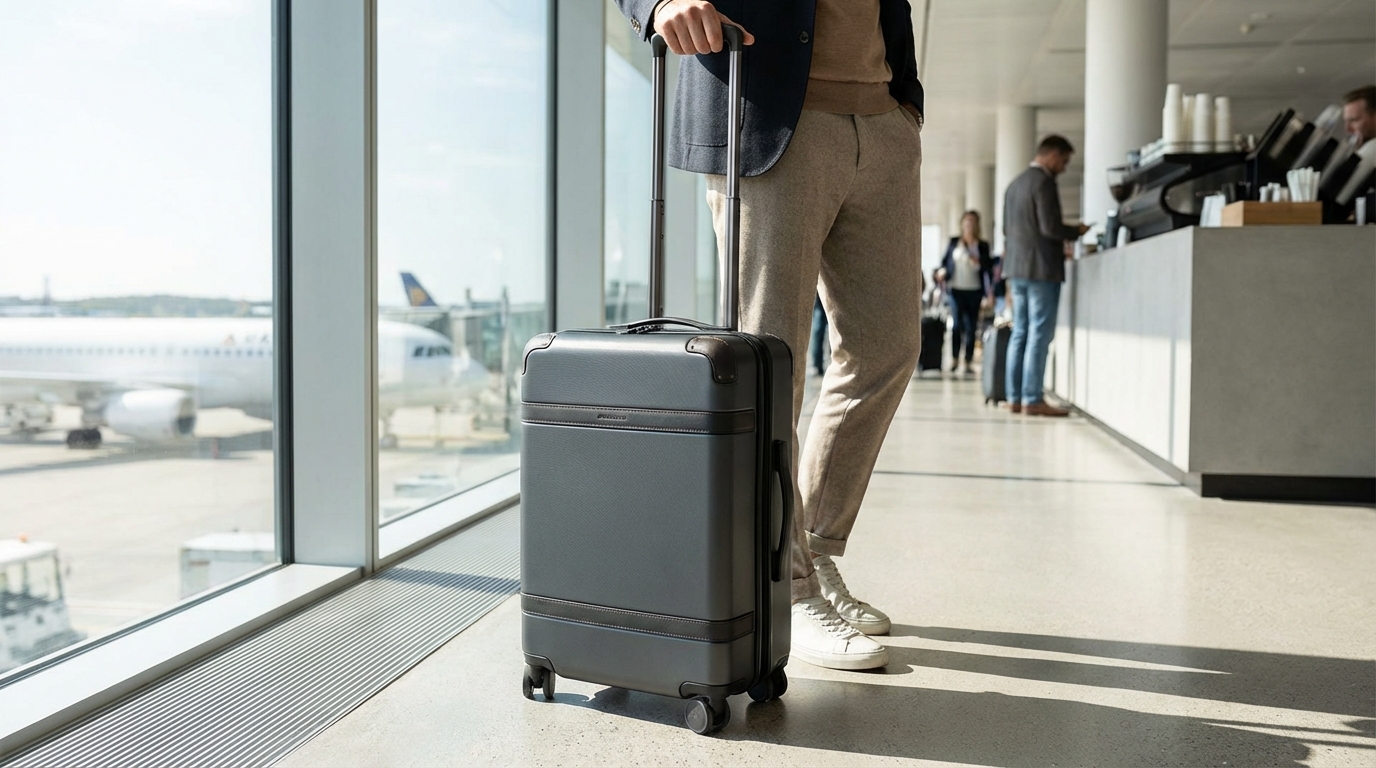
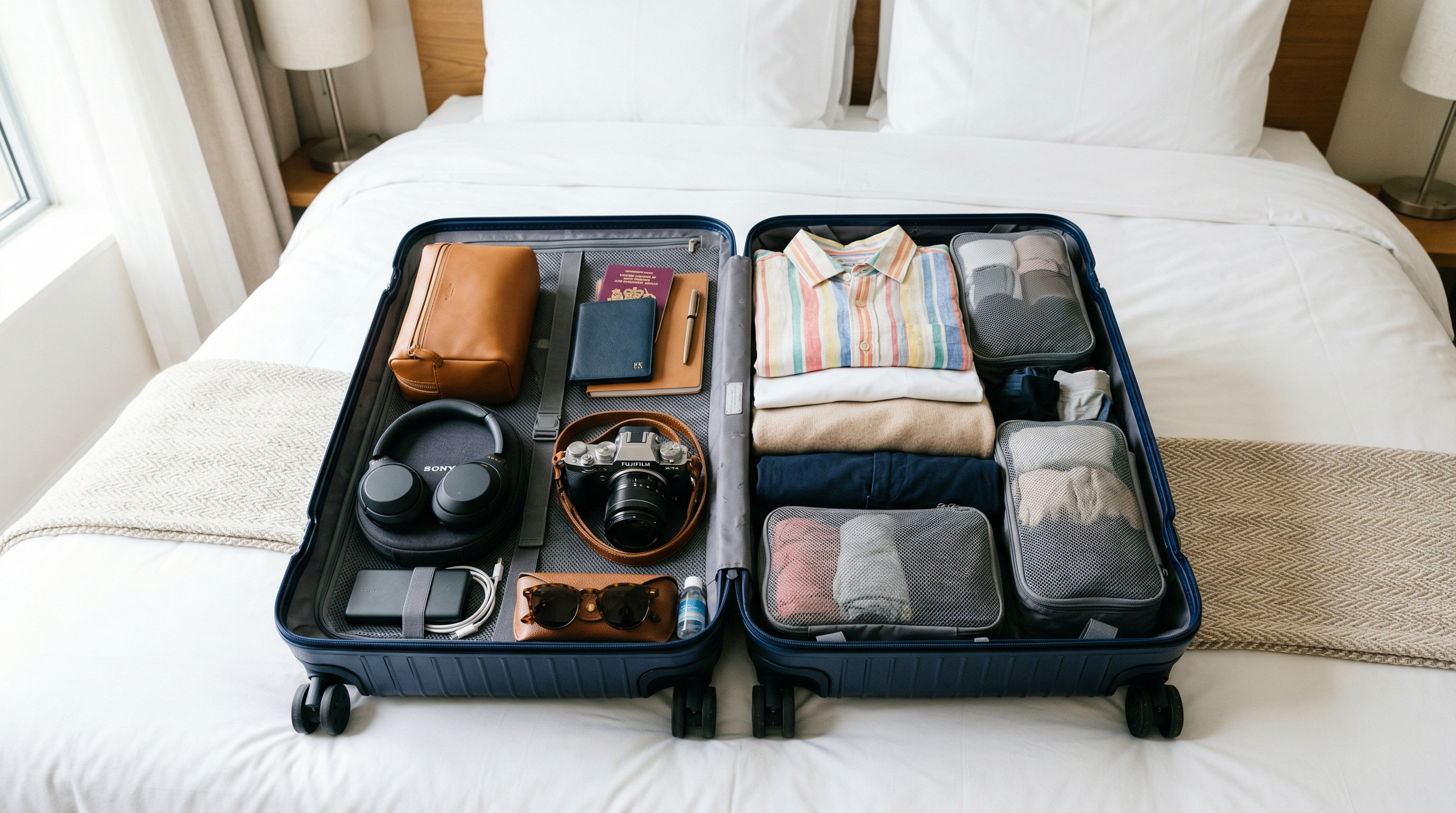
Best Carry-On Luggage for Flying
Looking for the best carry-on luggage? Here are the top picks across every budget and travel style, from budget spinners to premium hard-shells.
2 picks
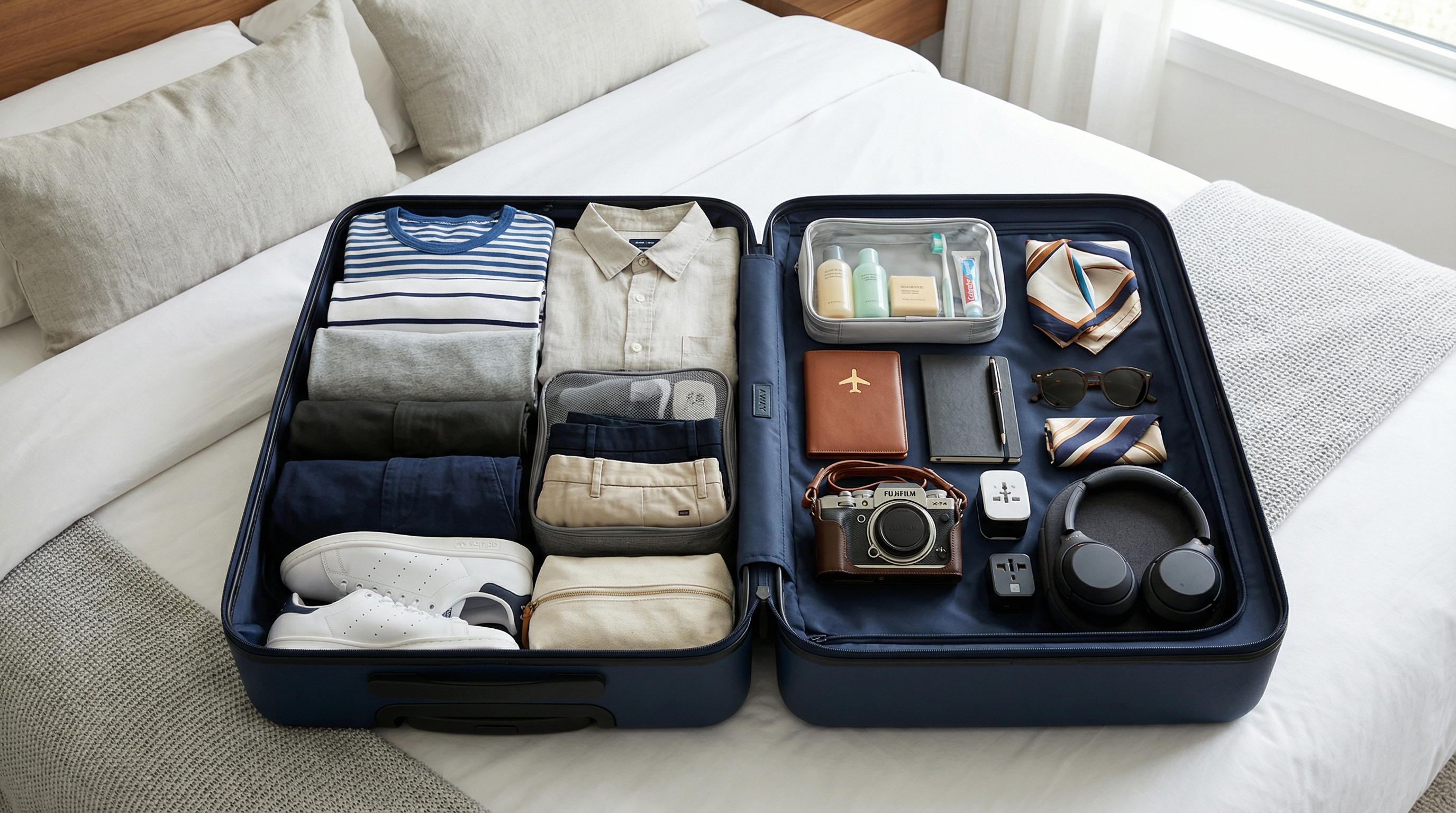
Best Under-Seat Bags for Flying in 2026
The best under-seat bags are structured enough to hold their shape but slim enough to slide under airplane seats. Look for bags around 18x14x8 inches or smaller with organization pockets.
2 picks
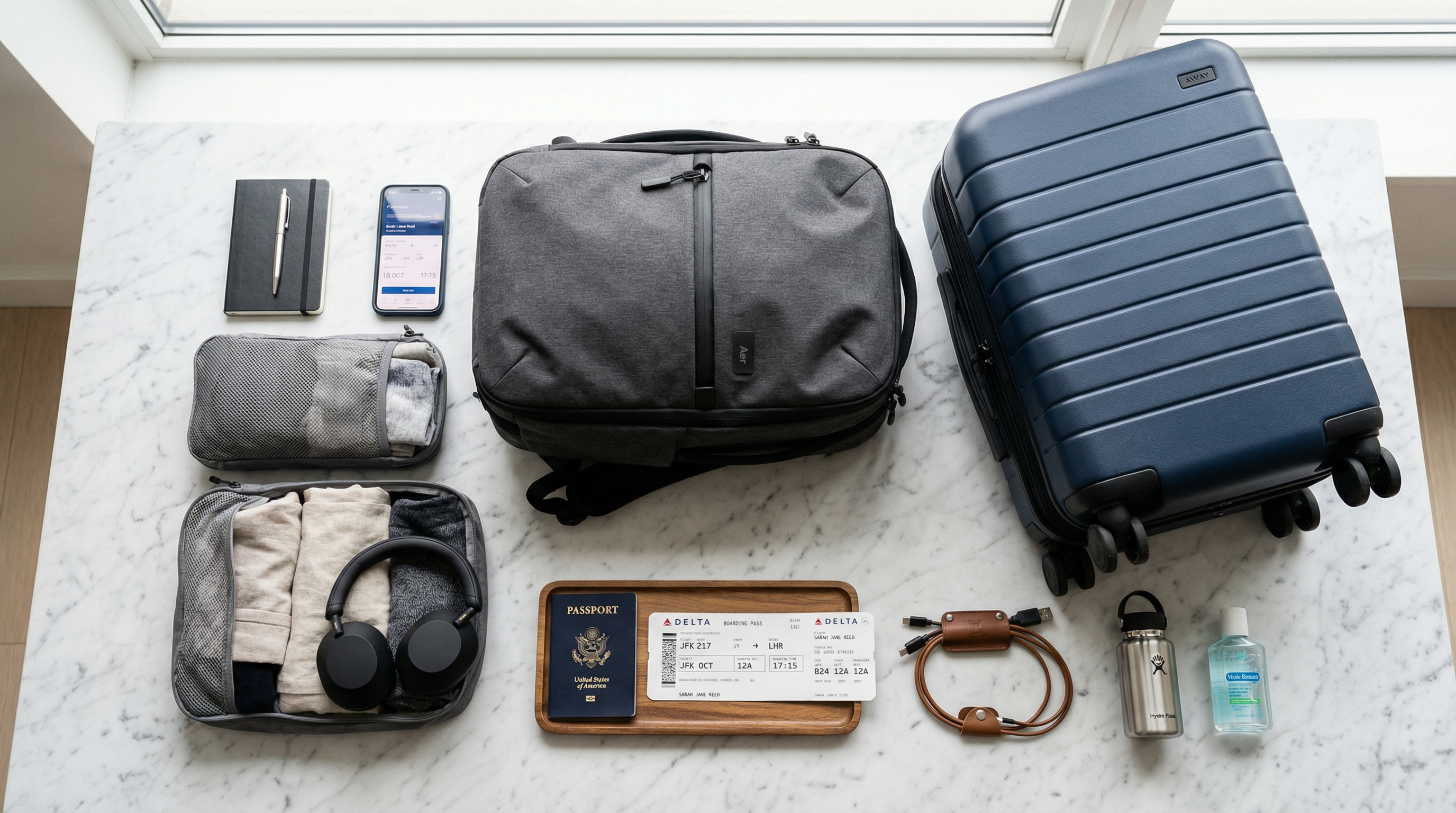
Best Personal Item Bags for Flying in 2026
The best personal item bags for flying are compact backpacks or structured totes that fit under the seat in front of you. Most airlines allow bags up to 18x14x8 inches as a free personal item.
3 picks
Best Travel Backpacks for Flying
The right travel backpack replaces a suitcase, fits in the overhead bin, and doesn't destroy your back. Here are the best ones for every type of traveler and budget.
The Standard Rule: Laptops Out
At standard (non-PreCheck) TSA security checkpoints in the United States, you must remove laptops from your bag and place them in a separate bin for X-ray screening. This has been the rule since 2002 and applies to all full-size laptops and most large tablets.
The reason is simple: a laptop's battery and dense components can obscure other items on X-ray. By removing it and screening it separately, TSA agents get a clearer view of both the laptop and the rest of your bag.
What Exactly Needs to Come Out?
The rule applies to:
- Laptops of any size (MacBook, Windows laptop, Chromebook, etc.)
- Tablets — iPad-sized and larger (generally, devices larger than a standard book)
The rule does NOT require removing:
- Phones (any size)
- Small tablets (like a Kindle or small e-reader)
- Cameras
- Cables and chargers
- Gaming handhelds
If you're unsure, the rule of thumb is: if it's roughly book-sized or smaller, it can stay in your bag. Laptop-sized devices come out.
The Laptop-Friendly Bag Exception
There is an exception to the standard laptop-out rule: TSA-approved laptop bags. These are bags with a dedicated butterfly or accordion-style laptop section that opens completely flat, allowing the entire unfolded bag to go through the X-ray without the laptop being removed.
For this exception to work:
- The laptop must be in the dedicated laptop-only section
- No other items can be in that section
- The bag must fold completely flat so X-rays pass through cleanly
- The bag must meet TSA's approved design guidelines
These bags are labeled "checkpoint friendly" by TSA. Many computer bags and backpacks from Targus, Samsonite, and other travel brands offer this design. It saves time when it works — the TSA agent still makes the call on whether your bag qualifies on any given day.
TSA PreCheck: Laptop Stays In
If you have TSA PreCheck, you never need to remove your laptop from your bag. This is one of the core benefits of PreCheck and one of the biggest time-savers, especially for business travelers who fly regularly with laptops.
PreCheck costs $78-$85 for five years. For frequent flyers who travel with electronics, the time savings add up quickly. Most PreCheck applicants receive the benefit within two to three weeks of their enrollment appointment.
What Happens If You Forget to Remove Your Laptop
If you put your bag on the belt without removing your laptop (in a non-PreCheck lane), the X-ray operator will flag your bag and pull it aside for a manual search. A TSA agent will open your bag, remove the laptop themselves, scan it separately, and re-scan your bag. This is not a big deal — it happens constantly — but it takes 5-10 minutes and slows down the line.
The best practice: remember to pull your laptop out before your bag goes on the belt.
Practical Tips for Laptops at Security
- Put your laptop in an outer, accessible pocket of your carry-on so you can remove it quickly without unpacking everything
- Use a laptop sleeve rather than the padded laptop section of a large carry-on — it's easier to pull out and place in the bin
- Don't stack the laptop in the bin with shoes and other items — it should be flat in its own bin for the clearest X-ray image
- Remember to pick it up — laptops are one of the most commonly left items at TSA checkpoints. Get your laptop first after clearing security before focusing on shoes and other items.
International Security Checkpoints
Outside the US, laptop removal requirements vary by country and airport. Many European security checkpoints have moved toward 3D X-ray systems (similar to CT scanners) that can image bag contents clearly enough that laptops don't need to come out. If you're connecting internationally, follow the direction of the security agents at each checkpoint.
The Bottom Line
Standard TSA screening requires laptops out of the bag. TSA PreCheck lets you keep everything in. If you travel frequently with a laptop, PreCheck pays for itself in time saved and stress avoided at security. For occasional travelers, put your laptop in an easily accessible part of your bag so you can pull it out quickly when needed.
Frequently Asked Questions
Do tablets need to come out of the bag at TSA?
Large tablets (iPad-sized and larger) generally need to be removed. Small e-readers and phones do not. When in doubt, remove it — you can always put it back if the agent says it's fine.
What is a TSA-approved laptop bag?
A bag with a dedicated butterfly-style laptop compartment that opens completely flat for X-ray screening, allowing the laptop to stay in the bag. Look for bags labeled 'checkpoint friendly.'
What if I forget to take my laptop out at TSA?
Your bag will be pulled aside for a manual search. The agent removes and scans the laptop separately. It adds 5-10 minutes but isn't a major problem.
Does TSA PreCheck really let me keep my laptop in my bag?
Yes. TSA PreCheck passengers never need to remove their laptop from their bag. It's one of the most time-saving benefits of the program.
Official Sources
TSA Travel
Transportation Security Administration · https://www.tsa.gov/travel
General TSA travel guidance, security rules, and screening information.
Aviation Consumer Protection
U.S. Department of Transportation · https://www.transportation.gov/airconsumer
Official DOT consumer resources for delays, refunds, baggage issues, and complaints.
International Travel
U.S. Department of State · https://travel.state.gov/content/travel/en/international-travel.html
Official U.S. international travel hub covering passports, destination info, and travel advisories.
What Can I Bring?
Transportation Security Administration · https://www.tsa.gov/travel/security-screening/whatcanibring/all
The TSA's searchable database for carry-on and checked-bag item rules.
More First Time Flyers Answers
Keep building context with more closely related questions in this topic cluster.
Best Luggage Scales to Avoid Overweight Fees
Overweight baggage fees range from $50 to $200. A $12 luggage scale pays for itself on the first trip. Here are the best portable scales for weighing your bags at home.
Best Luggage Trackers: AirTag vs Tile vs Samsung
Lost luggage is stressful enough without wondering where your bag actually is. Here's how AirTag, Tile, and Samsung SmartTag compare for tracking checked bags through airports.
Best Packing Cubes for Travel
Packing cubes transformed how I travel. Here are the best ones for every budget and packing style, from basic organizers to compression cubes that slash volume by 60%.
Best Portable Chargers for Travel
A dead phone at the airport is a nightmare. Here are the best portable chargers for travel, from compact lipstick-sized options to laptop-charging powerhouses.
Best Travel Backpacks for Flying
The right travel backpack replaces a suitcase, fits in the overhead bin, and doesn't destroy your back. Here are the best ones for every type of traveler and budget.
How Does an Airport Gate Work?
An airport gate is the specific door where you board your plane. You wait at the gate, listen for your boarding group to be called, then scan your boarding pass to walk down the jetway.
Disclosure: Some links in this section are commercial links. We may earn from qualifying purchases or signups at no added cost to you.
Air Travel Questions Editorial Team
Researched Against Official Travel Sources
We build guides around official TSA, airline, airport, DOT, and government guidance, then update pages as rules and policies change. Read our editorial policy. Browse our source library.
Was this article helpful?
Get travel tips and deals in your inbox
Join our newsletter for expert travel advice, packing tips, and exclusive deals — delivered weekly.