Can You Bring a Laptop Charger on a Plane?
Quick Answer
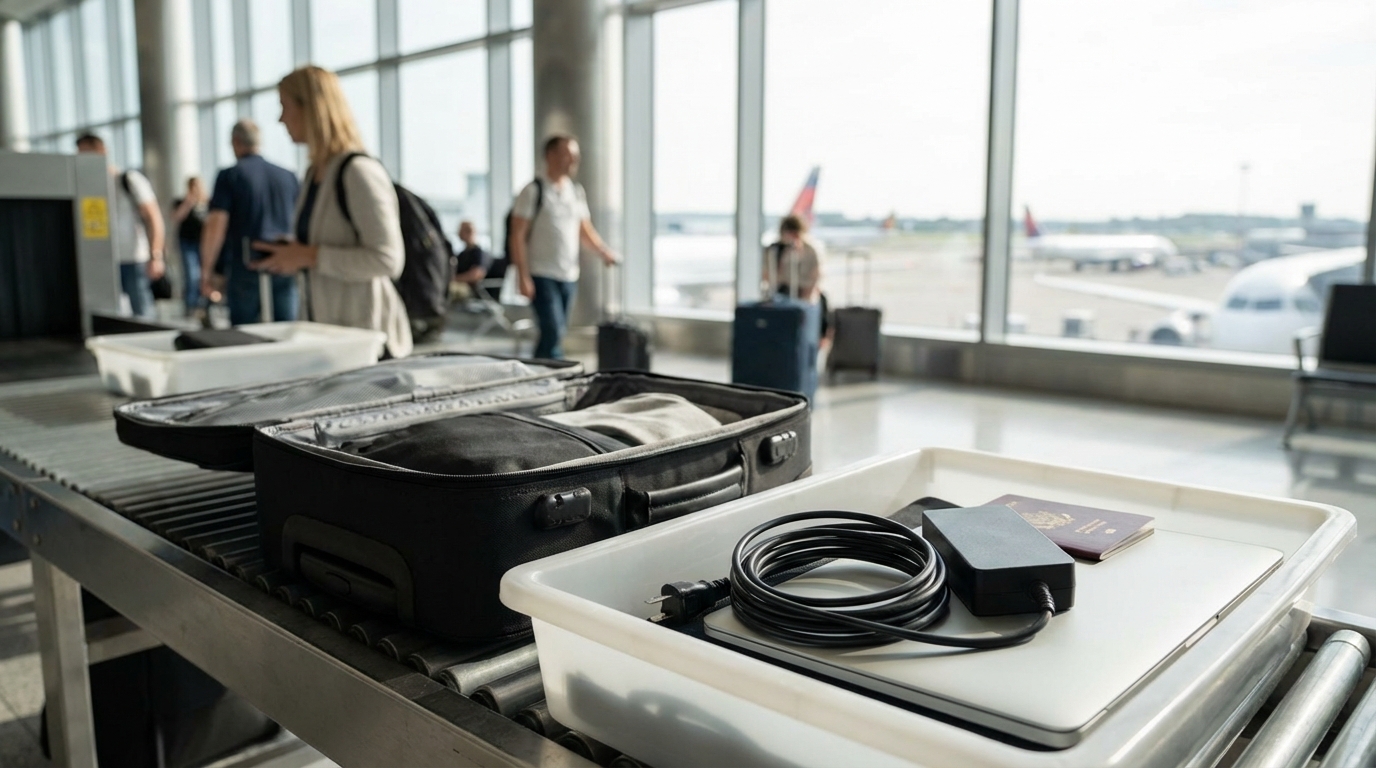
Yes, you can bring a laptop charger on a plane. Standard laptop chargers with a power brick and cord are allowed in both carry-on and checked bags. Portable chargers and power banks with lithium batteries must go in your carry-on — never checked luggage.
The Short Answer
Yes, your laptop charger can fly with you. A standard laptop charger — the kind with a power brick and a cord that plugs into a wall — is allowed in both carry-on and checked luggage without any restrictions.
But if you're bringing a portable charger or power bank, the rules change. Those must stay in your carry-on. Here's the full breakdown.
Standard Laptop Chargers: No Restrictions
Your regular laptop charger — whether it's an Apple MagSafe, a Dell barrel connector, a Lenovo slim tip, or a USB-C charger — is allowed everywhere. Carry-on, checked bag, personal item. Doesn't matter.
Standard chargers don't contain batteries. They're just a transformer (the power brick) and a cable. No fire risk, no restrictions. TSA won't give it a second look.
Packing Tips for Standard Chargers
- Wrap the cord neatly. A tangled mess of cables can look confusing on an X-ray and trigger a manual bag check. Use velcro cable ties or wrap the cord in a figure-eight.
- Keep it accessible. If you want to use your laptop during a layover or at the gate, you'll want easy access to the charger.
- Consider checked luggage for bulky chargers. Some gaming laptop chargers are massive — 1-2 pounds with thick cables. If carry-on space is tight, they're safe in checked bags.
USB-C Chargers and GaN Adapters
USB-C chargers and GaN (gallium nitride) adapters are increasingly popular because they're small, powerful, and can charge multiple devices. Good news: they follow the same rules as standard chargers.
Since USB-C chargers don't contain batteries, they're allowed in both carry-on and checked luggage. A compact 65W or 100W GaN charger can replace your laptop charger, phone charger, and tablet charger in one tiny brick — ideal for travel.
If you're still hauling around a bulky manufacturer-specific charger, upgrading to a USB-C GaN adapter is one of the best travel gear investments you can make. Brands like Anker, Apple, and Ugreen make excellent options under 4 ounces.
Power Banks and Portable Chargers: Carry-On Only
This is where the rules get strict. Portable chargers and power banks contain lithium-ion batteries, and lithium batteries are banned from checked luggage. They must go in your carry-on bag.
Why? Lithium batteries can overheat, short-circuit, and catch fire. In the cargo hold, a battery fire could go undetected. In the cabin, the crew and passengers can respond immediately. It's a safety measure, not a suggestion.
Battery Size Limits
TSA and the FAA set limits based on watt-hours (Wh):
- Under 100 Wh: Allowed in carry-on. No airline approval needed. No limit on quantity, though airlines may set their own caps.
- 100-160 Wh: Allowed in carry-on with airline approval. Most airlines allow up to two devices in this range. Contact your airline before flying.
- Over 160 Wh: Not allowed on passenger aircraft at all. Period.
For context, most laptop power banks fall between 60-100 Wh. A typical 20,000 mAh power bank is around 72 Wh. A 26,800 mAh power bank is about 96 Wh. You're almost certainly under the 100 Wh limit with a standard portable charger.
How to Calculate Watt-Hours
If your power bank doesn't list watt-hours, you can calculate it:
Wh = (mAh x V) / 1000
Most power banks operate at 3.7V internally. So a 20,000 mAh power bank: (20,000 x 3.7) / 1000 = 74 Wh. Well under the 100 Wh limit.
The watt-hour rating is usually printed on the device itself, on the original packaging, or listed in the product specs online. If you can't find it, check the manufacturer's website.
Spare Laptop Batteries: Carry-On Only
If you carry a spare battery for your laptop — common with some ThinkPad and Dell business models — it must go in your carry-on. Same lithium battery rules apply: under 100 Wh is fine, 100-160 Wh needs airline approval, over 160 Wh is prohibited.
Spare batteries should be protected from short circuits. The easiest way is to keep them in their original packaging. Alternatively, tape over the terminals with electrical tape or put each battery in a separate plastic bag.
Charging Your Laptop During the Flight
Many modern aircraft have power outlets at the seats, but availability varies widely:
- Standard AC outlets: Found on most long-haul aircraft and many domestic jets, usually in premium cabins and sometimes in economy. Plug your regular charger right in.
- USB-A ports: Common but generally limited to 5W charging — enough for phones but too slow for most laptops.
- USB-C ports: Increasingly common on newer aircraft. Some provide enough wattage (30-60W) to charge a laptop, but many are limited to phone-charging speeds.
- EmPower outlets: Some older aircraft have these circular DC outlets. You'd need a specific EmPower adapter for your laptop, which aren't common anymore.
Don't count on seat power being available. Charge your laptop fully before your flight, and bring a portable charger as backup if you need to work during the entire flight.
Check Your Airline and Aircraft
Before you fly, check your airline's website or app for your specific flight. Most let you see the aircraft type and seat map, which often indicates whether power outlets are available. SeatGuru is another useful resource for checking outlet availability by seat.
International Travel With Laptop Chargers
Your laptop charger works on different electrical systems, but you'll need the right plug:
- Voltage: Most laptop chargers are dual-voltage (100-240V), meaning they work worldwide without a converter. Check the fine print on your power brick — if it says "Input: 100-240V," you're good.
- Plug adapters: You'll need a physical plug adapter for the outlet shape. Type G for the UK, Type C/F for most of Europe, Type I for Australia, etc. A universal adapter covers all of them.
- Don't confuse adapters with converters. An adapter changes the plug shape. A converter changes the voltage. Since most laptop chargers handle both voltages, you only need an adapter.
Going Through the TSA Checkpoint
At the security checkpoint, your laptop charger doesn't usually need special handling. Standard chargers (power brick and cord) can stay in your bag during screening.
However, if you're not in a TSA PreCheck lane, you'll need to pull your laptop itself out and place it in a separate bin. Your charger can stay in the bag — it's the laptop that needs separate screening, not the charger.
Power banks sometimes draw attention on the X-ray because they're dense, opaque rectangles. If a TSA officer can't identify it, they'll flag your bag for a manual inspection. This is quick — they open the bag, confirm it's a battery pack, and send you on your way. Keeping your power bank in an easy-to-access pocket speeds this up.
Pro tip: if you're carrying multiple chargers, cables, and adapters, organize them in a small electronics pouch or cable organizer. A tangle of wires and bricks looks confusing on an X-ray and is more likely to trigger a manual bag check than neatly organized gear.
What About Wireless Chargers?
Wireless charging pads and stands are allowed in both carry-on and checked luggage. They don't contain large lithium batteries (most have none at all) and don't pose any fire risk.
That said, no current laptop uses wireless charging, so this is only relevant if you're also carrying a wireless phone charger alongside your laptop charger.
What Happens If You Pack a Power Bank in Checked Luggage?
If TSA finds a power bank or portable charger in your checked bag during screening, they'll remove it. You won't get it back. The bag will continue to your destination without the power bank, and you'll have no idea it was removed until you unpack.
Some travelers have reported checked bags being delayed or flagged for additional screening because of power banks, which can mean your luggage arrives late. It's not worth the risk — just put it in your carry-on.
Frequently Asked Questions
Can I put a laptop charger in checked luggage?
A standard laptop charger with a power brick and cord can go in checked luggage with no restrictions. However, portable chargers and power banks with lithium batteries are banned from checked bags and must be in your carry-on.
Is there a limit on how many chargers I can bring?
There's no limit on standard chargers (power brick and cord). For power banks under 100 Wh, TSA doesn't set a quantity limit. Power banks between 100-160 Wh are typically limited to two per passenger with airline approval.
How do I know if my power bank is under 100 Wh?
Check the label on the device for a watt-hour (Wh) rating. If it only shows mAh, calculate: Wh = (mAh x 3.7) / 1000. A 20,000 mAh power bank is about 74 Wh — well under the limit. Most standard portable chargers fall under 100 Wh.
Do I need to take my laptop charger out of my bag at security?
TSA doesn't specifically require removing chargers from your bag. However, if you have TSA PreCheck, keep everything in your bag. Without PreCheck, you may be asked to remove large electronics — your charger can usually stay packed unless it triggers additional screening.
Can I charge my laptop on the plane?
Many aircraft have AC power outlets or USB-C ports at the seats, but availability varies by airline, aircraft, and cabin class. Check your airline's website or SeatGuru for your specific flight. Don't rely on it — charge your laptop fully before boarding.
Written by Aviation Experts
Aviation Professionals
With decades of combined experience in the aviation industry, our team shares insider knowledge to make your travel experience smoother and less stressful.
Was this article helpful?