What to Expect at the TSA Body Scanner
Quick Answer
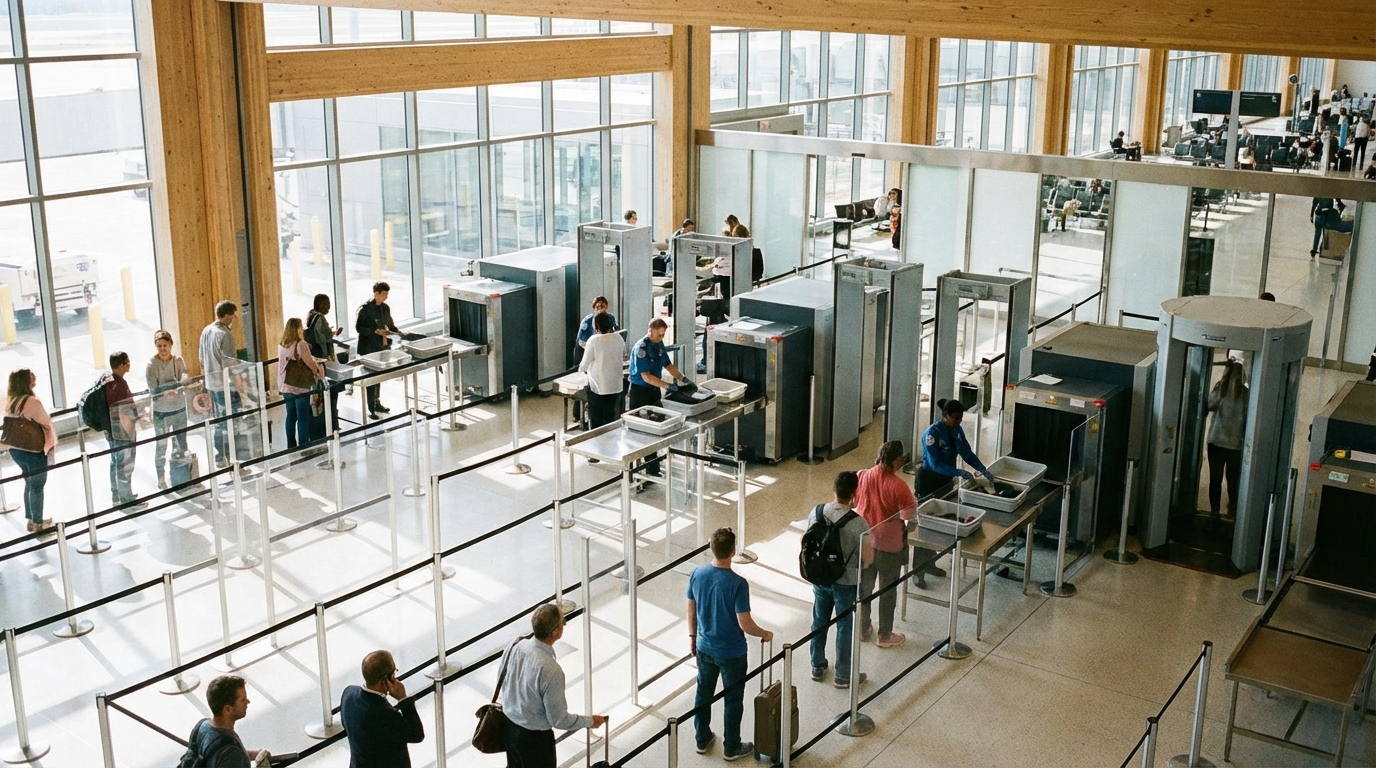
The TSA body scanner is a millimeter wave machine that takes about 5 seconds. You stand inside with arms raised, it scans for hidden items, and you step out. It does not see anatomically explicit images.
Answer Snapshot
What matters before you fly
This page is structured for fast scanning, direct answers, and source-first verification.
Updated
Mar 19, 2026
Read Time
4 min read
Topic
First Time Flyers
Need To Know
- Forgotten items in pockets (even paper)
- Underwire in bras
- Thick waistbands or heavily seamed clothing
- Medical devices (insulin pumps, stomas, ostomy bags)
Buying Guides
Best Next Buying Guides For This Topic
These money pages are the most relevant commercial follow-ups for readers who want a practical next step.
2 picks
Best Under-Seat Bags for Flying in 2026
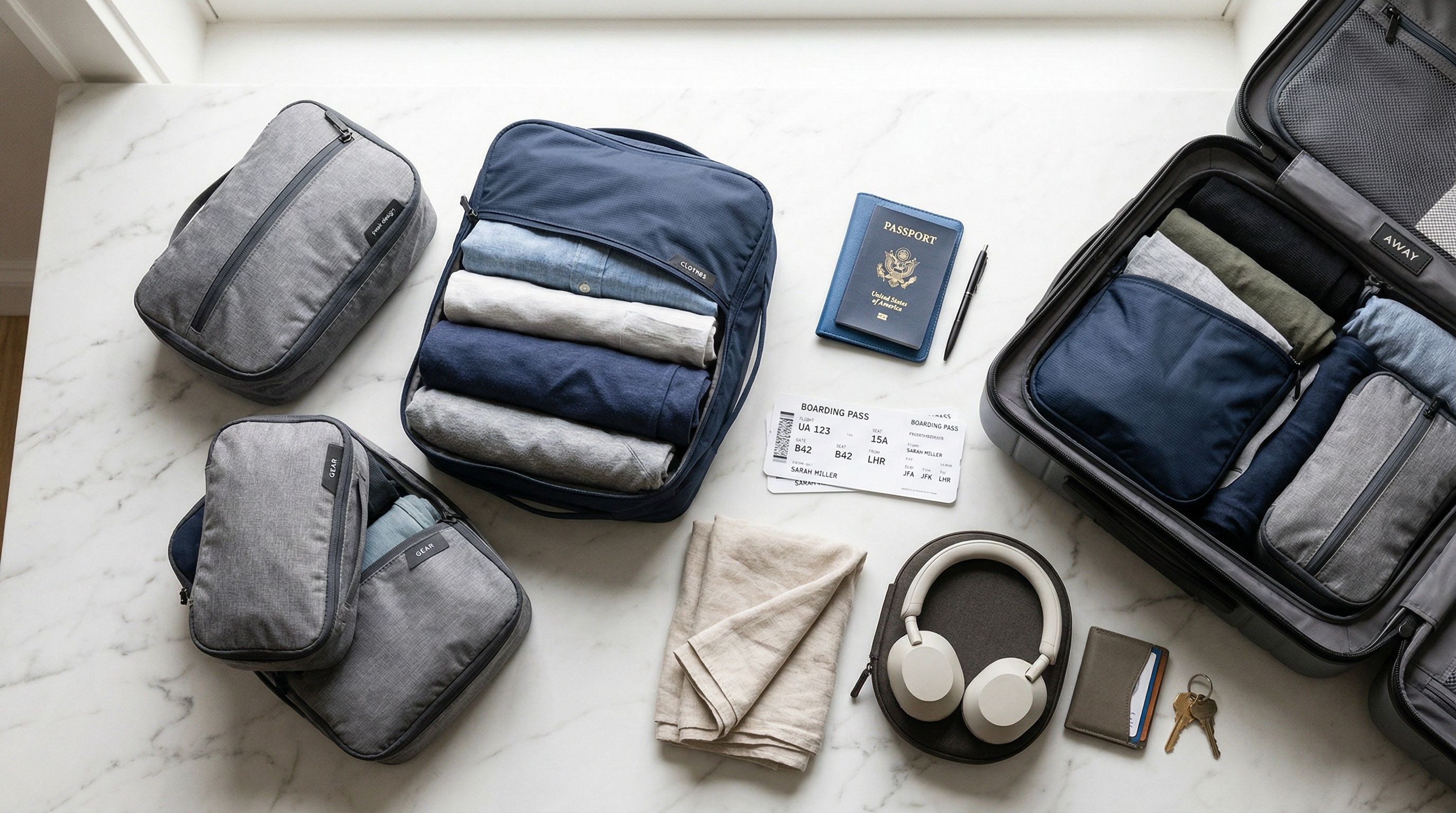
The best under-seat bags are structured enough to hold their shape but slim enough to slide under airplane seats. Look for bags around 18x14x8 inches or smaller with organization pockets.
3 picks
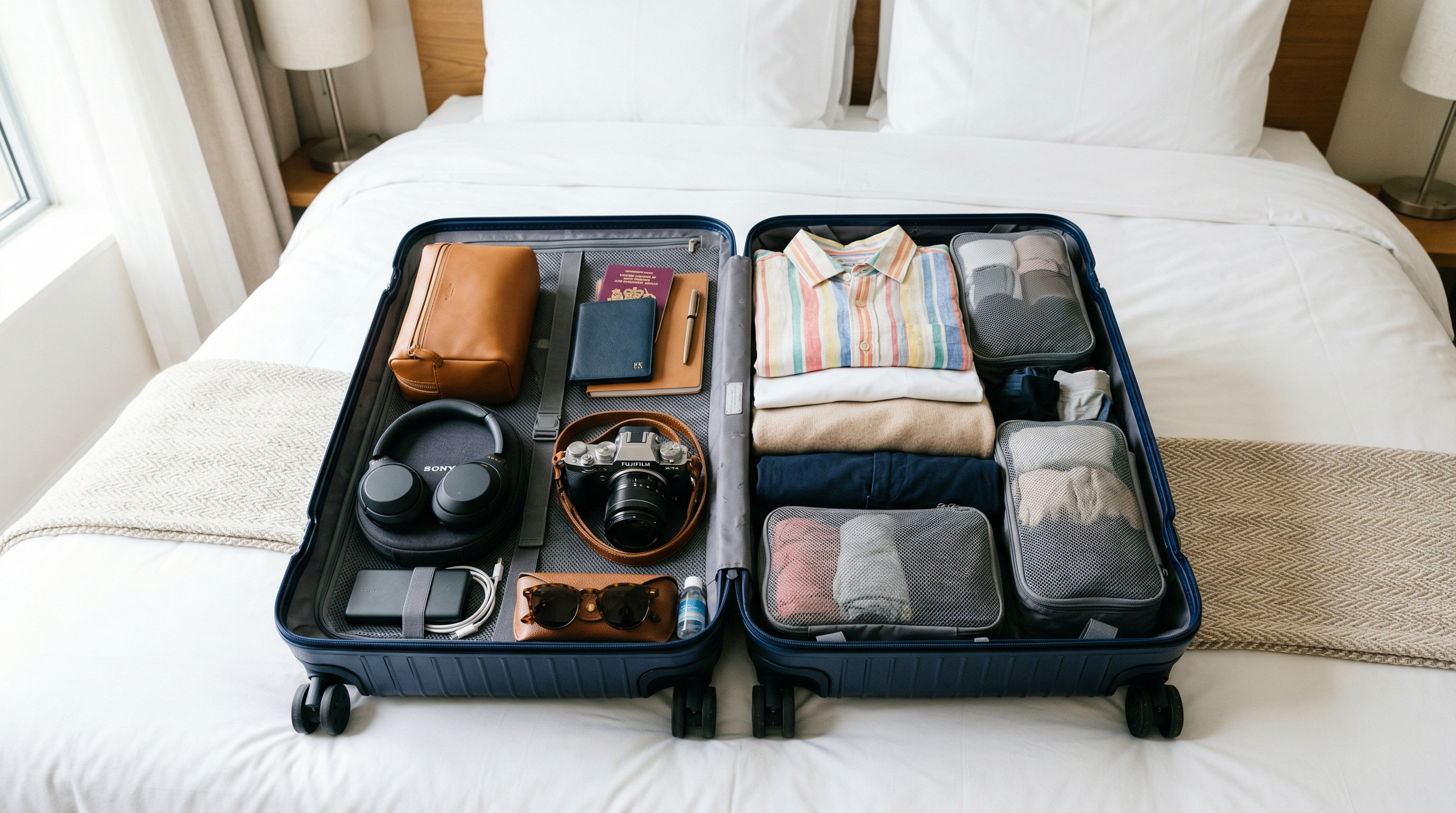
Best Packing Cubes for Travel
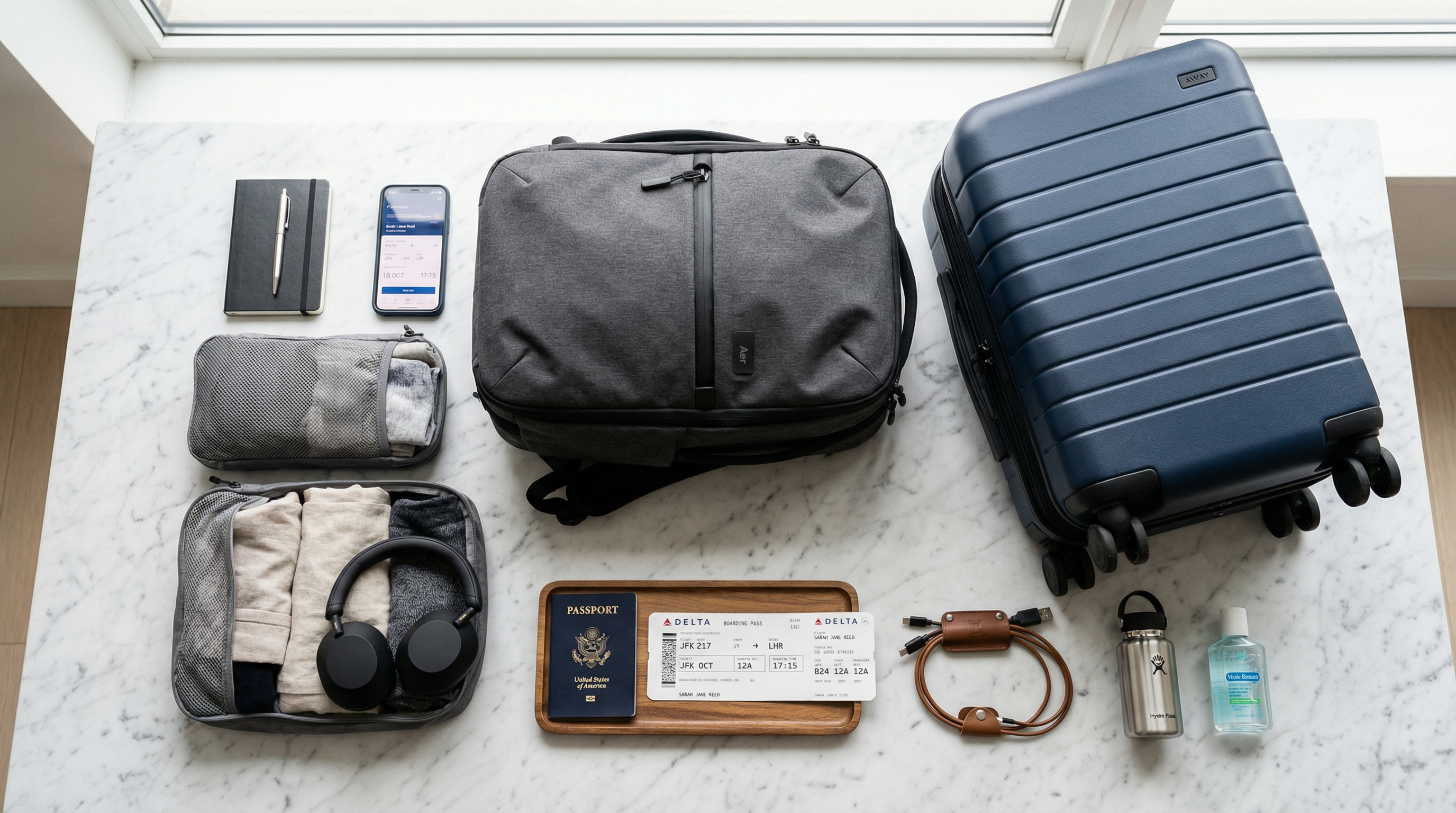
Packing cubes transformed how I travel. Here are the best ones for every budget and packing style, from basic organizers to compression cubes that slash volume by 60%.
3 picks
Best Travel Backpacks for Flying
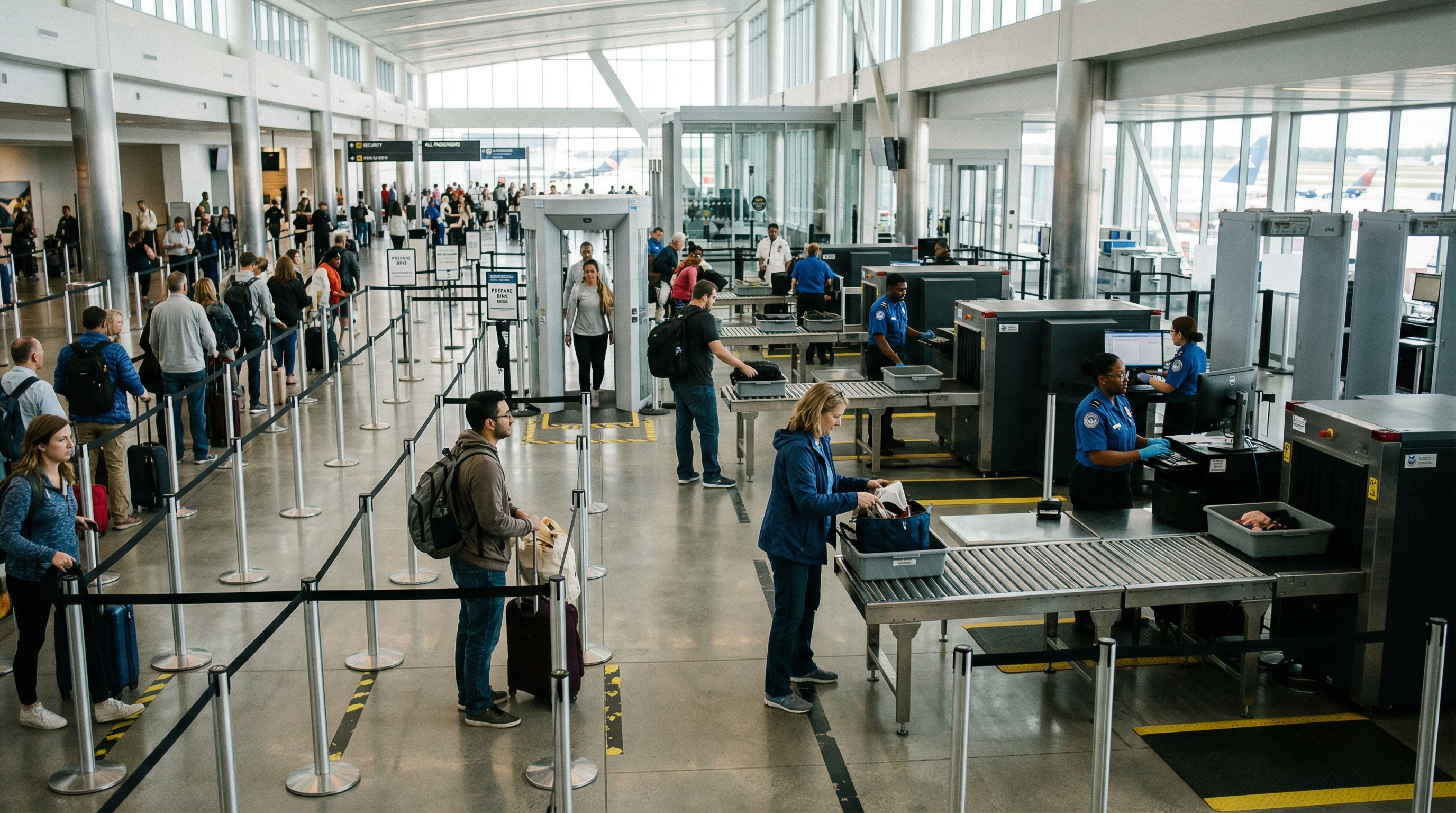
The right travel backpack replaces a suitcase, fits in the overhead bin, and doesn't destroy your back. Here are the best ones for every type of traveler and budget.
3 picks
Best TSA Approved Locks for 2026
TSA-approved locks allow airport security to open your luggage with a master key instead of cutting your lock. The Master Lock 4688D and Forge TSA locks are consistently the top-rated options.
Start Here
First-Flight Picks That Make Everything Easier
Simple, practical travel gear for readers who want their first trip to feel organized from the start.
Security program
TSA PreCheck
Apply for TSA PreCheck
The best low-friction upgrade when the problem is ordinary airport security pain: shoes off, laptop out, and slow regular lines.
Offer
$76.75-$85 for 5 years
Security program
CLEAR+
Join CLEAR+
The faster add-on when the ID-check line is the real bottleneck and you fly through busy airports that support CLEAR lanes.
Offer
$209 per year
Security program
Global Entry
Apply for Global Entry
The smarter long-term pick when you want TSA PreCheck bundled with faster U.S. re-entry after international trips.
Offer
$120 for 5 years
Disclosure: Some links in this section are commercial links. We may earn from qualifying purchases or signups at no added cost to you.
Prices and availability can change.
Compare The Offers
A faster way to see which option fits your trip and price point.
Apply for TSA PreCheck
The best low-friction upgrade when the problem is ordinary airport security pain: shoes off, laptop out, and slow regular lines.
Domestic flyers who want faster security without overspending
Security program · TSA PreCheck
Strength
Best cost-to-time-saved value for most regular flyers
Tradeoff
Does not help with customs when you return from abroad
Join CLEAR+
The faster add-on when the ID-check line is the real bottleneck and you fly through busy airports that support CLEAR lanes.
Frequent flyers using major airports with CLEAR lanes
Security program · CLEAR+
Strength
Cuts the identity-check step before screening
Tradeoff
Only worth it if your airports and travel pattern actually support it
Apply for Global Entry
The smarter long-term pick when you want TSA PreCheck bundled with faster U.S. re-entry after international trips.
Travelers who take meaningful international trips
Security program · Global Entry
Strength
Bundles TSA PreCheck with customs benefits
Tradeoff
Approval takes more effort because of the interview process
Apply for TSA PreCheck
The best low-friction upgrade when the problem is ordinary airport security pain: shoes off, laptop out, and slow regular lines.
Strength
Best cost-to-time-saved value for most regular flyers
Tradeoff
Does not help with customs when you return from abroad
Join CLEAR+
The faster add-on when the ID-check line is the real bottleneck and you fly through busy airports that support CLEAR lanes.
Strength
Cuts the identity-check step before screening
Tradeoff
Only worth it if your airports and travel pattern actually support it
Apply for Global Entry
The smarter long-term pick when you want TSA PreCheck bundled with faster U.S. re-entry after international trips.
Strength
Bundles TSA PreCheck with customs benefits
Tradeoff
Approval takes more effort because of the interview process
What Is the TSA Body Scanner?
The body scanner at TSA security checkpoints is officially called an Advanced Imaging Technology (AIT) machine. Most airports use the millimeter wave scanner, which looks like a large upright cylinder or box with glass panels. Some older airports may still use backscatter X-ray machines, though TSA phased most of those out.
The millimeter wave scanner uses non-ionizing radio waves (the same type used by 5G networks) to create a generic, cartoon-like outline image of your body. It cannot see inside your body and is not a medical X-ray.
What the Scanner Sees
The scanner detects objects on your body that differ from the surrounding tissue — metal, plastic, ceramics, liquids, and some fabrics. It generates a generic outline of a human body and marks any anomalies with a yellow box indicating their location.
Critically: the scanner does not produce a photo-realistic or anatomically explicit image of you. TSA replaced the original scanners (which did produce detailed body images) with the current generic-outline system specifically because of privacy concerns. The image shown on the screen is essentially a featureless body diagram with markers on it.
The screen showing the image is viewed by a remote TSA officer, not by the agent standing at the machine with you. Some machines are fully automated and flag anomalies without a human reviewing the image at all.
Step-by-Step: What Happens at the Scanner
Step 1: Prepare
Before stepping into the scanner, remove everything from your pockets. Everything. Even paper and soft items can trigger a false positive. Your phone, wallet, keys, gum, coins — all of it goes in your bag or the bin before you approach the scanner.
Step 2: Enter the Machine
A TSA agent directs you into the scanner when it's ready. Step into the indicated position on the floor (there are usually yellow footprint markers). Face forward.
Step 3: Raise Your Arms
Raise both arms above your head with elbows bent, as directed by the agent or the displayed instructions. This is the standard pose — feet shoulder-width apart, arms up.
Step 4: The Scan
The scan takes about 5-7 seconds. You may hear a slight hum or nothing at all. You don't feel anything — no radiation, no heat, no physical sensation of any kind.
Step 5: Step Out
The agent directs you to step out of the machine. If the scan was clear, they'll wave you through to collect your belongings. If the machine flagged something, they'll direct you to a separate area for additional screening.
What Triggers the Scanner
Common triggers that cause the scanner to flag an area:
- Forgotten items in pockets (even paper)
- Underwire in bras
- Thick waistbands or heavily seamed clothing
- Medical devices (insulin pumps, stomas, ostomy bags)
- Body jewelry
- Hair accessories with metal
- Compression bandages
- Sweat patches or medical patches
- Prosthetic limbs
Many of these triggers are perfectly fine — the scanner just can't distinguish between a medical device and a concealed item, so it flags the location for a human agent to investigate.
What Happens If You're Flagged
If the scanner flags something, a TSA agent will direct you to a secondary screening area. They'll tell you which area of your body was flagged and ask what's there. In most cases, you can explain — "I have an insulin pump on my left hip" or "I forgot I have a hair clip" — and they'll verify it and clear you.
If the agent can't verify by visual check alone, they'll do a targeted pat-down of the flagged area. This involves a gloved agent patting the specific location with the back of their hand. It's not a full-body pat-down unless the entire body scan was unclear.
Can You Opt Out of the Body Scanner?
Yes. You have the right to opt out of the body scanner and request a full pat-down instead. Simply tell the agent "I'd like to opt out" before stepping into the machine. Be aware that the pat-down is more invasive than a targeted secondary screening — it covers your entire body including sensitive areas — and takes longer. Most passengers who opt out do so for medical reasons (pacemakers, implanted devices) or personal preference.
Medical Devices and the Scanner
If you have an implanted device (pacemaker, defibrillator, insulin pump, etc.) or wear a medical device, inform the TSA agent before screening begins. You may be directed to opt out of the scanner or you may be cleared to go through — it depends on the device. The TSA Cares helpline (1-855-787-2227) can answer device-specific questions before your trip.
Is the Body Scanner Safe?
Millimeter wave scanners use non-ionizing radiation — the same type as radio waves and visible light. They do not emit X-rays. The safety profile is well-established. If you're pregnant, have concerns, or simply prefer not to use it, you can always opt out for a pat-down.
TSA PreCheck Passengers
If you have TSA PreCheck, you typically go through a metal detector rather than a body scanner. This is one of the benefits — faster, simpler, no arms-raised pose required.
Frequently Asked Questions
Can the TSA body scanner see through my clothes?
The millimeter wave scanner detects objects on your body that differ from surrounding tissue, but it displays only a generic cartoon-like body outline — not a realistic image of you or your body through clothes.
Is the TSA body scanner safe for pregnant women?
Millimeter wave scanners use non-ionizing radio waves and are considered safe. However, pregnant passengers can always opt out and request a pat-down instead — this is their right.
How long does the body scanner take?
About 5-7 seconds. The entire process from stepping in to stepping out is very quick.
Can I refuse the TSA body scanner?
Yes. You can opt out at any time and request a full pat-down instead. Just tell the agent before you step into the machine.
Official Sources
TSA Travel
Transportation Security Administration · https://www.tsa.gov/travel
General TSA travel guidance, security rules, and screening information.
Aviation Consumer Protection
U.S. Department of Transportation · https://www.transportation.gov/airconsumer
Official DOT consumer resources for delays, refunds, baggage issues, and complaints.
International Travel
U.S. Department of State · https://travel.state.gov/content/travel/en/international-travel.html
Official U.S. international travel hub covering passports, destination info, and travel advisories.
What Can I Bring?
Transportation Security Administration · https://www.tsa.gov/travel/security-screening/whatcanibring/all
The TSA's searchable database for carry-on and checked-bag item rules.
More First Time Flyers Answers
Keep building context with more closely related questions in this topic cluster.
Best Luggage Scales to Avoid Overweight Fees
Overweight baggage fees range from $50 to $200. A $12 luggage scale pays for itself on the first trip. Here are the best portable scales for weighing your bags at home.
Best Luggage Trackers: AirTag vs Tile vs Samsung
Lost luggage is stressful enough without wondering where your bag actually is. Here's how AirTag, Tile, and Samsung SmartTag compare for tracking checked bags through airports.
Best Packing Cubes for Travel
Packing cubes transformed how I travel. Here are the best ones for every budget and packing style, from basic organizers to compression cubes that slash volume by 60%.
Best Portable Chargers for Travel
A dead phone at the airport is a nightmare. Here are the best portable chargers for travel, from compact lipstick-sized options to laptop-charging powerhouses.
Best Travel Backpacks for Flying
The right travel backpack replaces a suitcase, fits in the overhead bin, and doesn't destroy your back. Here are the best ones for every type of traveler and budget.
Do You Have to Remove Your Laptop from Your Bag at TSA?
At standard TSA checkpoints, yes — laptops and large tablets must be removed from your bag and placed in a separate bin. TSA PreCheck members can leave them in their bags.
Disclosure: Some links in this section are commercial links. We may earn from qualifying purchases or signups at no added cost to you.
Air Travel Questions Editorial Team
Researched Against Official Travel Sources
We build guides around official TSA, airline, airport, DOT, and government guidance, then update pages as rules and policies change. Read our editorial policy. Browse our source library.
Was this article helpful?
Get travel tips and deals in your inbox
Join our newsletter for expert travel advice, packing tips, and exclusive deals — delivered weekly.