Why Do You Have to Turn Off Electronics on a Plane?
Quick Answer
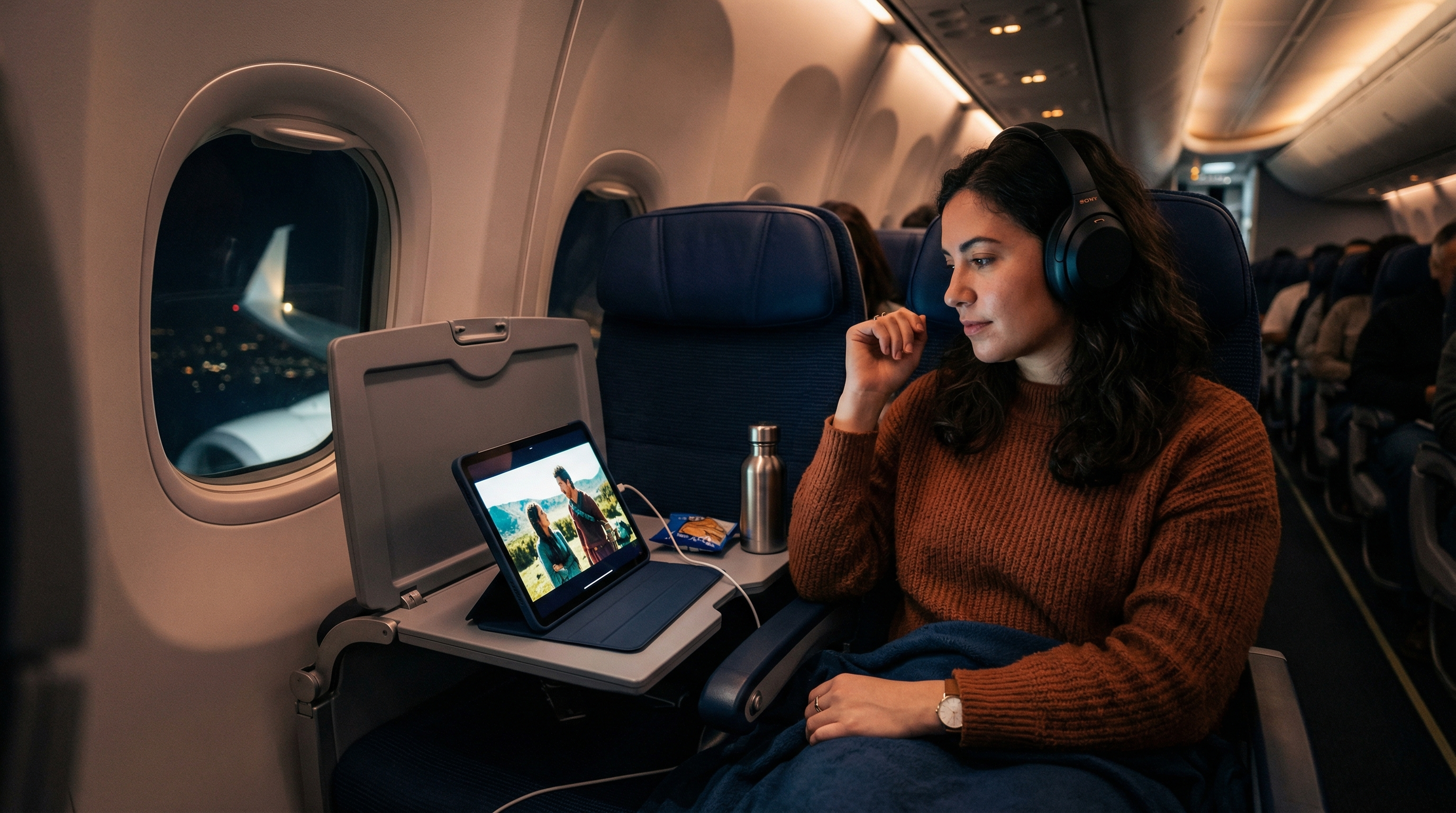
Modern airlines don't ban electronics — they require airplane mode during takeoff and landing. The concern is not that your phone will crash the plane, but that it could interfere with pilot communications and navigation systems.
Answer Snapshot
What matters before you fly
This page is structured for fast scanning, direct answers, and source-first verification.
Updated
Mar 19, 2026
Read Time
3 min read
Topic
First Time Flyers
Need To Know
- Cellular data transmission (4G, 5G)
- SMS text messaging (which uses cell towers)
Buying Guides
Best Next Buying Guides For This Topic
These money pages are the most relevant commercial follow-ups for readers who want a practical next step.
3 picks
Best Portable Chargers for Travel
A dead phone at the airport is a nightmare. Here are the best portable chargers for travel, from compact lipstick-sized options to laptop-charging powerhouses.
3 picks
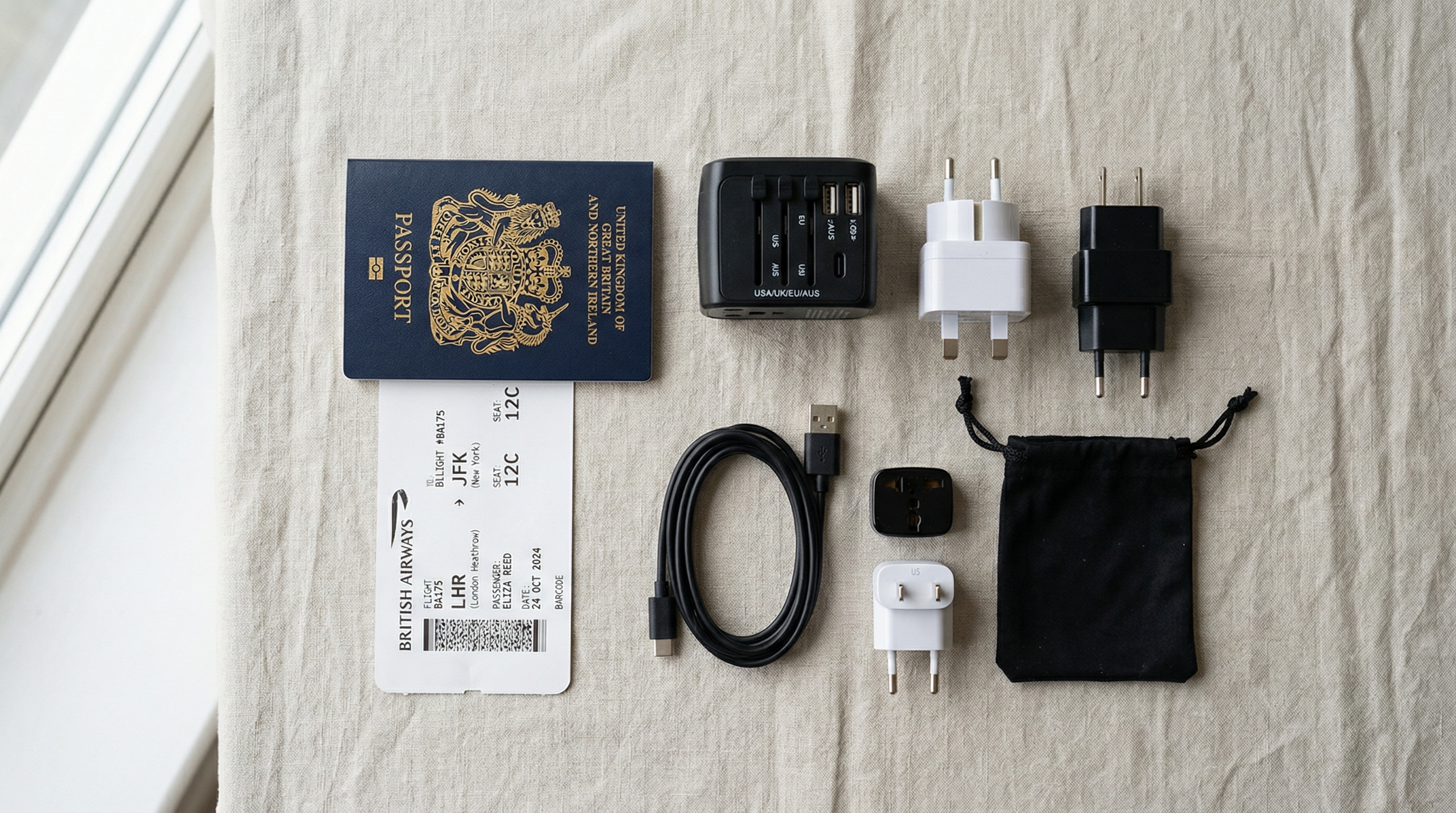
Best Travel Adapters for International Travel
Don't fry your phone charger in a foreign outlet. Here are the best travel adapters that actually work worldwide, from budget picks to premium multi-port chargers.
2 picks
Best Laptop Bags for Travel in 2026
The best laptop bags for travel double as your airline personal item, fit under the seat, and keep your computer organized with dedicated sleeves, charging ports, and TSA-friendly security checkpoint access.
3 picks
Best Headphones for Flights in 2026
The best headphones for flights use active noise cancellation (ANC) to block airplane engine rumble. Sony WH-1000XM5 and Bose QuietComfort 45 are the top choices for in-flight entertainment.
Start Here
First-Flight Picks That Make Everything Easier
Simple, practical travel gear for readers who want their first trip to feel organized from the start.

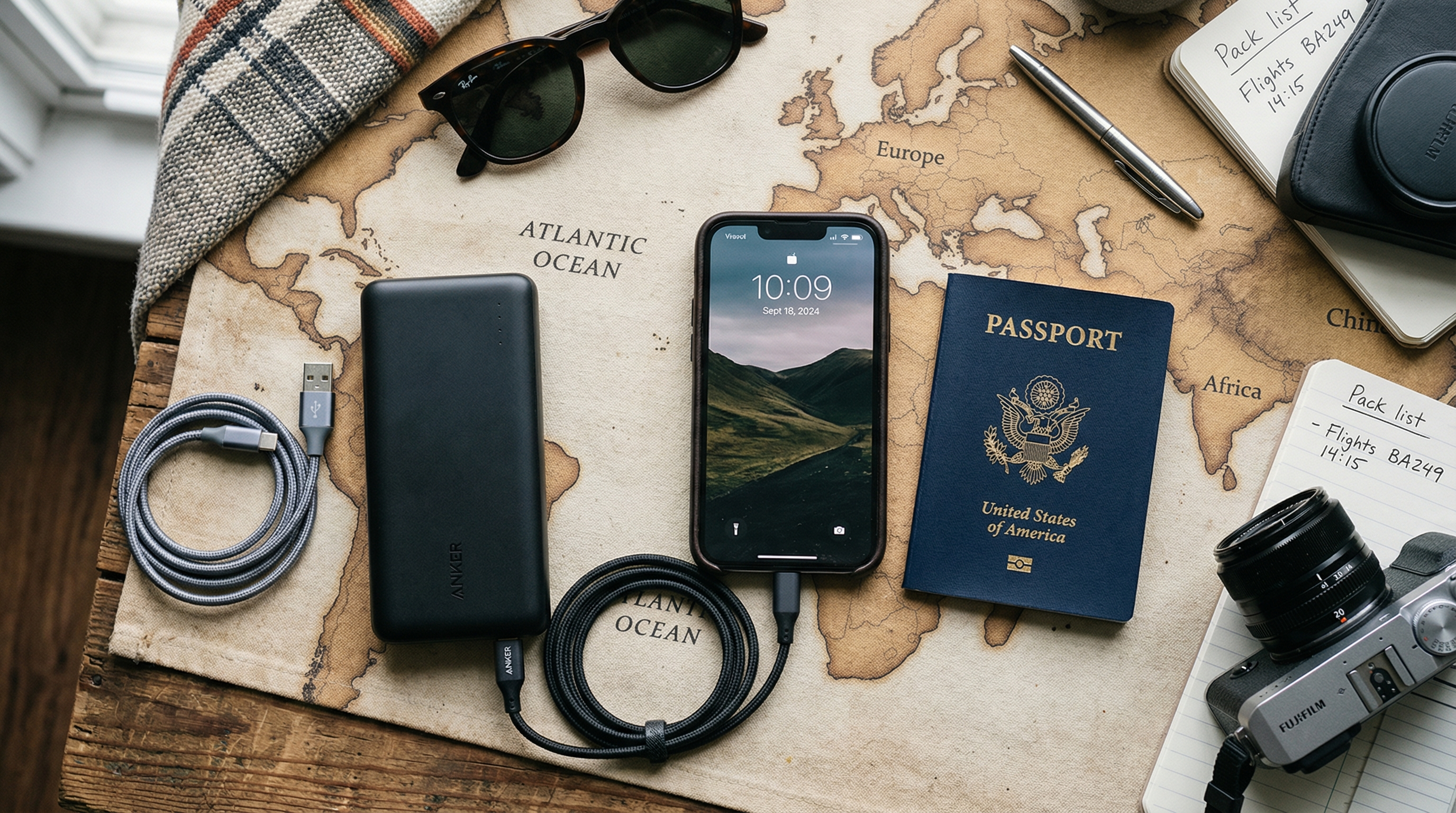
Anker PowerCore 10000 Portable Charger
The best-selling portable charger for most travelers. Compact as a deck of cards, charges a smartphone about 2.5 times, and Anker's PowerIQ technology fast-charges any device. Under $25 and one of the most reliable power banks on the market.
Offer
$21.99

Anker PowerCore 10K Compact Travel Power Bank
Anker's latest slim 10,000mAh travel bank at just 0.61 inches thin. USB-C input and output for fast charging in both directions. One of the lightest and thinnest 10K power banks available — perfect for slipping into a jacket pocket.
Offer
$29.99

Anker PowerCore Fusion 10,000mAh 2-in-1 Power Bank
A power bank and wall charger in one. Fold-out prongs plug directly into an outlet to charge itself and your devices simultaneously. Perfect for travelers who want to minimize what they carry — no separate wall charger needed.
Offer
$49.99
Disclosure: Some links in this section are commercial links. We may earn from qualifying purchases or signups at no added cost to you.
Prices and availability can change.
Compare The Offers
A faster way to see which option fits your trip and price point.
Anker PowerCore 10000 Portable Charger
The best-selling portable charger for most travelers. Compact as a deck of cards, charges a smartphone about 2.5 times, and Anker's PowerIQ technology fast-charges any device. Under $25 and one of the most reliable power banks on the market.
Most travelers
Amazon · Amazon
Pulled from Best Portable Chargers for Travel
Anker PowerCore 10K Compact Travel Power Bank
Anker's latest slim 10,000mAh travel bank at just 0.61 inches thin. USB-C input and output for fast charging in both directions. One of the lightest and thinnest 10K power banks available — perfect for slipping into a jacket pocket.
Value-minded travelers
Amazon · Amazon
Pulled from Best Portable Chargers for Travel
Anker PowerCore Fusion 10,000mAh 2-in-1 Power Bank
A power bank and wall charger in one. Fold-out prongs plug directly into an outlet to charge itself and your devices simultaneously. Perfect for travelers who want to minimize what they carry — no separate wall charger needed.
Specific travel setups
Amazon · Amazon
Pulled from Best Portable Chargers for Travel
Anker PowerCore 10000 Portable Charger
The best-selling portable charger for most travelers. Compact as a deck of cards, charges a smartphone about 2.5 times, and Anker's PowerIQ technology fast-charges any device. Under $25 and one of the most reliable power banks on the market.
Pulled from Best Portable Chargers for Travel
See on AmazonAnker PowerCore 10K Compact Travel Power Bank
Anker's latest slim 10,000mAh travel bank at just 0.61 inches thin. USB-C input and output for fast charging in both directions. One of the lightest and thinnest 10K power banks available — perfect for slipping into a jacket pocket.
Pulled from Best Portable Chargers for Travel
See on AmazonAnker PowerCore Fusion 10,000mAh 2-in-1 Power Bank
A power bank and wall charger in one. Fold-out prongs plug directly into an outlet to charge itself and your devices simultaneously. Perfect for travelers who want to minimize what they carry — no separate wall charger needed.
Pulled from Best Portable Chargers for Travel
See on AmazonThe Short Answer
The rule has evolved significantly. You are no longer required to turn off your phone, tablet, or laptop completely. You are required to put them in airplane mode during flight, which disables cellular transmission. This is primarily because transmitting cellular signals can potentially interfere with aircraft navigation and communication equipment — not because your device will crash the plane.
The History of the Rule
The original "turn off all electronics" rule dated from the 1990s and was based on precautionary concerns about electromagnetic interference. At the time, the specific effects of consumer electronics on avionics weren't fully understood, so regulators took a conservative approach: ban all of it.
By 2013, the FAA reconsidered. After an Aviation Rulemaking Committee review, the FAA determined that modern aircraft are designed and tested to handle interference from personal electronic devices. In 2013, the FAA updated its rules to allow broader use of personal electronics in flight — but still required airplane mode for cellular-transmitting devices.
The European Aviation Safety Agency (EASA) made similar changes around the same period.
What Airplane Mode Actually Does
Airplane mode disables:
- Cellular data transmission (4G, 5G)
- Voice calls
- SMS text messaging (which uses cell towers)
It leaves enabled (or you can manually re-enable after enabling airplane mode):
- Wi-Fi (if the aircraft has Wi-Fi and you want it)
- Bluetooth (for headphones, keyboards, etc.)
- Camera and offline apps
- Offline maps, downloaded music, and entertainment
The cellular transmission is what matters. Your device constantly pings cell towers when it has service — at 35,000 feet, this can create interference with certain radio frequencies used by aircraft communications and navigation systems. Airplane mode stops that pinging.
Does Your Phone Actually Affect the Plane?
The probability of a single phone causing a catastrophic navigation failure is extremely low. Commercial aircraft have multiple redundant navigation and communication systems precisely because individual interference events are possible. What concerns aviation authorities more is the cumulative effect of dozens or hundreds of phones all transmitting simultaneously, which can create low-level "noise" in certain frequency ranges used by aircraft systems.
The cases that have been documented are minor — occasional pilot reports of buzzing in headsets from cellular devices, or minor GPS signal disruption. Not crashes. But the rule exists as a precautionary standard, and airlines are required to enforce it.
When Do You Need to Be in Airplane Mode?
The requirement is from when the aircraft door closes until the crew announces it's safe to use cellular service. In practice:
- During taxi to the runway
- During takeoff
- During the entire flight (cellular transmitting disabled; device use otherwise is fine)
- During approach and landing
- Until the crew or a gate announcement says it's okay
Once the plane has landed and taxied to the gate, most airlines allow phones to come out of airplane mode when the crew makes the announcement.
What Happens If You Don't?
Practically speaking, if you forget to put your phone in airplane mode, nothing dramatic will happen. Your phone will attempt to ping cell towers and likely fail or cycle through networks constantly (draining your battery in the process). Airlines don't have equipment to detect individual non-compliant devices on most flights.
However, flight attendants can ask you to enable airplane mode and you're required to comply. Repeated non-compliance can be treated as interference with crew instructions, which is a federal offense in the US.
What About Laptops and Tablets?
Laptops and tablets that have cellular capability (built-in SIM cards) should also be in airplane mode. Laptops and tablets without cellular capability don't transmit and don't technically require airplane mode for interference reasons — though most airlines still ask you to disable cellular features on any device as a blanket rule.
Laptop use itself is generally fine during cruise. During takeoff and landing, some airlines ask you to stow large devices (laptops specifically) so they don't become projectiles in an abrupt maneuver. This is a physical safety consideration, not an electronics one.
In-Flight Wi-Fi
If the aircraft has Wi-Fi, you can connect to it while in airplane mode by manually re-enabling Wi-Fi after setting airplane mode. You can browse the internet, send messages via apps, and use online services — just not via your cellular carrier. In-flight Wi-Fi typically costs $8-30 for the flight depending on the airline.
The Bottom Line
The rule isn't about your device crashing the plane. It's about eliminating cellular transmission interference that, while unlikely to cause anything serious, could potentially affect navigation and communication systems on certain aircraft. Airplane mode is a simple precaution. Enable it when you board and you'll also save battery since your phone won't spend the whole flight trying (and failing) to find a cell tower at altitude.
Frequently Asked Questions
Do you have to completely turn off your phone on a plane?
No. Modern rules require airplane mode, not complete device shutdown. Airplane mode disables cellular transmission while allowing offline features like music, camera, and downloaded apps.
Can I use Wi-Fi on a plane if my phone is in airplane mode?
Yes. Enable airplane mode first, then manually re-enable Wi-Fi. You can use in-flight Wi-Fi services while remaining in airplane mode.
What actually happens if you forget airplane mode?
Nothing dramatic. Your phone tries to find cell towers and cycles through networks, draining your battery. If a flight attendant notices, they'll ask you to enable airplane mode.
When can you turn off airplane mode after landing?
When the crew makes an announcement that electronic devices may be used, usually after the plane has pulled into the gate. At that point you can disable airplane mode and resume normal cellular service.
Official Sources
TSA Travel
Transportation Security Administration · https://www.tsa.gov/travel
General TSA travel guidance, security rules, and screening information.
Aviation Consumer Protection
U.S. Department of Transportation · https://www.transportation.gov/airconsumer
Official DOT consumer resources for delays, refunds, baggage issues, and complaints.
International Travel
U.S. Department of State · https://travel.state.gov/content/travel/en/international-travel.html
Official U.S. international travel hub covering passports, destination info, and travel advisories.
What Can I Bring?
Transportation Security Administration · https://www.tsa.gov/travel/security-screening/whatcanibring/all
The TSA's searchable database for carry-on and checked-bag item rules.
More First Time Flyers Answers
Keep building context with more closely related questions in this topic cluster.
Best Luggage Scales to Avoid Overweight Fees
Overweight baggage fees range from $50 to $200. A $12 luggage scale pays for itself on the first trip. Here are the best portable scales for weighing your bags at home.
Best Luggage Trackers: AirTag vs Tile vs Samsung
Lost luggage is stressful enough without wondering where your bag actually is. Here's how AirTag, Tile, and Samsung SmartTag compare for tracking checked bags through airports.
Best Packing Cubes for Travel
Packing cubes transformed how I travel. Here are the best ones for every budget and packing style, from basic organizers to compression cubes that slash volume by 60%.
Best Portable Chargers for Travel
A dead phone at the airport is a nightmare. Here are the best portable chargers for travel, from compact lipstick-sized options to laptop-charging powerhouses.
Best Travel Backpacks for Flying
The right travel backpack replaces a suitcase, fits in the overhead bin, and doesn't destroy your back. Here are the best ones for every type of traveler and budget.
Do You Have to Remove Your Laptop from Your Bag at TSA?
At standard TSA checkpoints, yes — laptops and large tablets must be removed from your bag and placed in a separate bin. TSA PreCheck members can leave them in their bags.
Disclosure: Some links in this section are commercial links. We may earn from qualifying purchases or signups at no added cost to you.
Air Travel Questions Editorial Team
Researched Against Official Travel Sources
We build guides around official TSA, airline, airport, DOT, and government guidance, then update pages as rules and policies change. Read our editorial policy. Browse our source library.
Was this article helpful?
Get travel tips and deals in your inbox
Join our newsletter for expert travel advice, packing tips, and exclusive deals — delivered weekly.